Solar Connect is a mobile application available for Android and Apple iOS.
Solar Connect enables users to:
To install the application on iOS, first download TestFlight from the provided link.
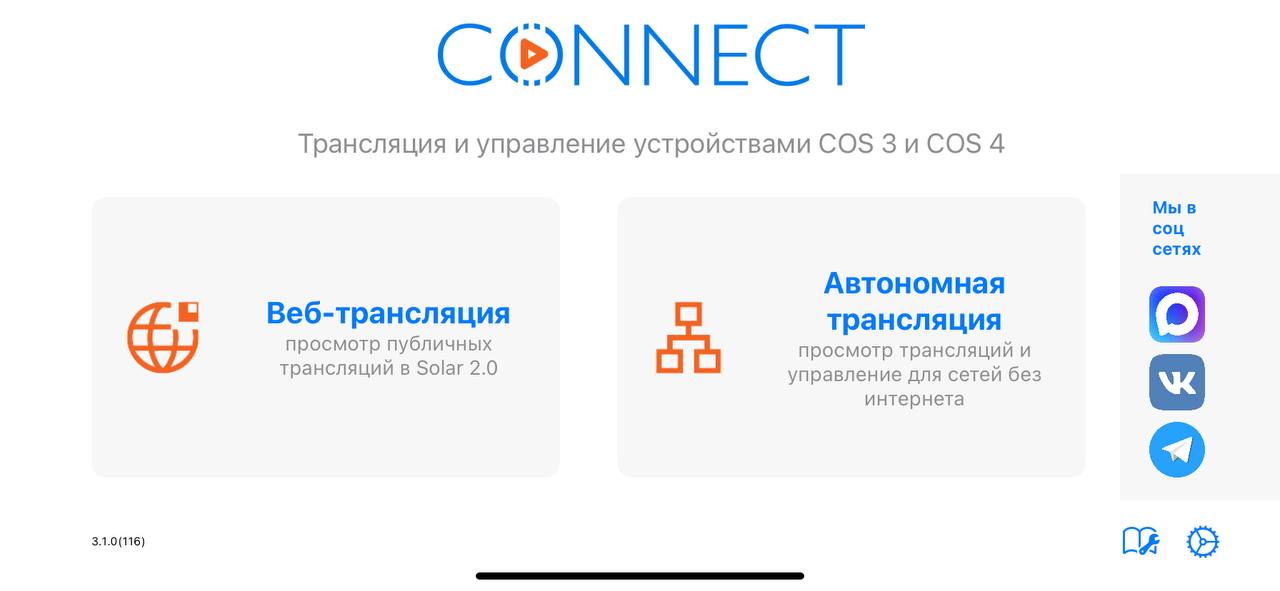
Solar Connect enables users to:
- ·Establish connections to view the screens of devices operating on the ONE system
- ·Observe the remote screen and send touch inputs in real time
- ·Experience low-latency streaming with delays as low as 35 ms
- ·Verify the current application version for updates.
- ·Access public streams on Solar platform
- ·Access a command menu to control the drone
To install the application on iOS, first download TestFlight from the provided link.
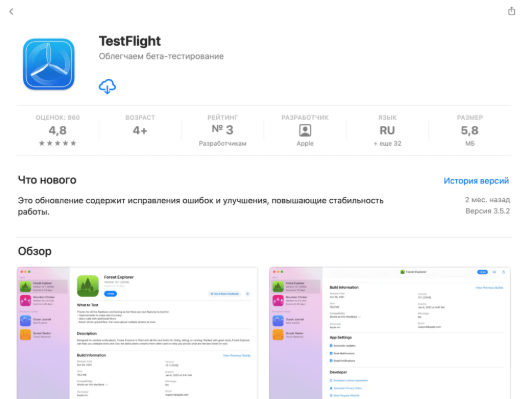
Following its installation, use the invitation link distributed via our official bot to access the SolarConnect beta.
“Catalog” → “Solar Connect” → “Enter the remote control’s serial number” → “iOS / iPadOS” → “Download Solar Connect for iPhone/iPad”
“Catalog” → “Solar Connect” → “Enter the remote control’s serial number” → “iOS / iPadOS” → “Download Solar Connect for iPhone/iPad”
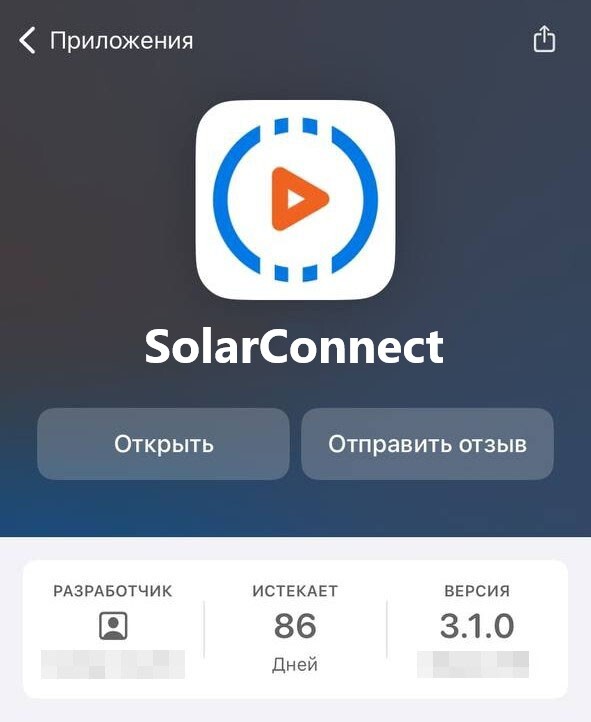
Once the installation is complete, tap Open to launch the application and access the Solar Connect main interface.
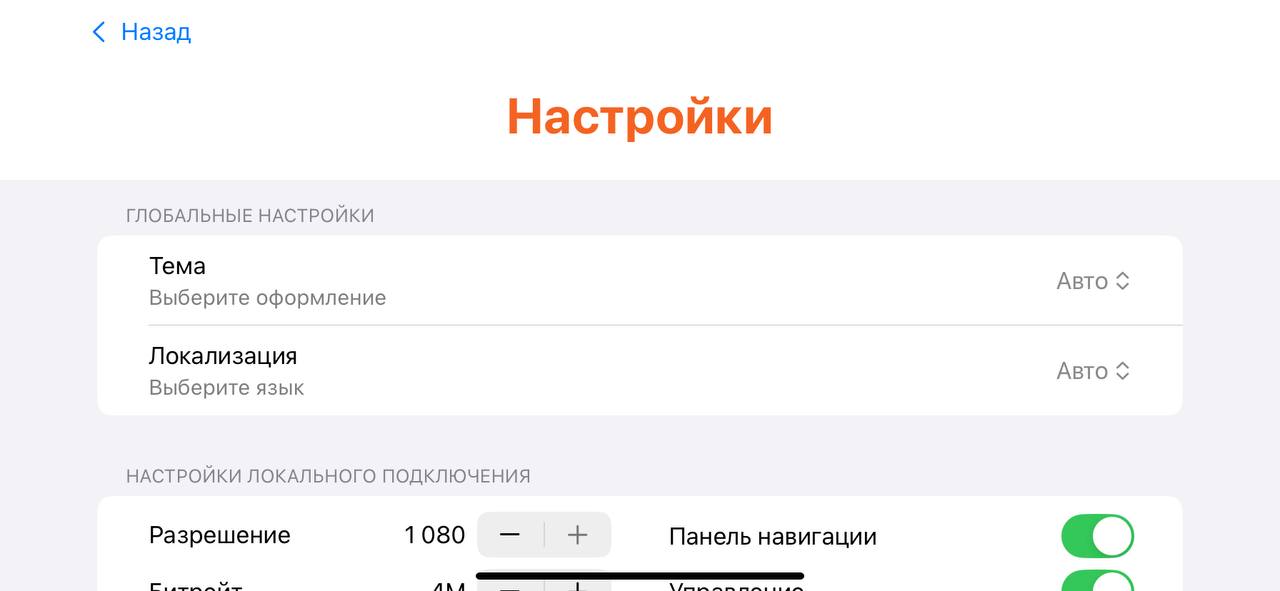
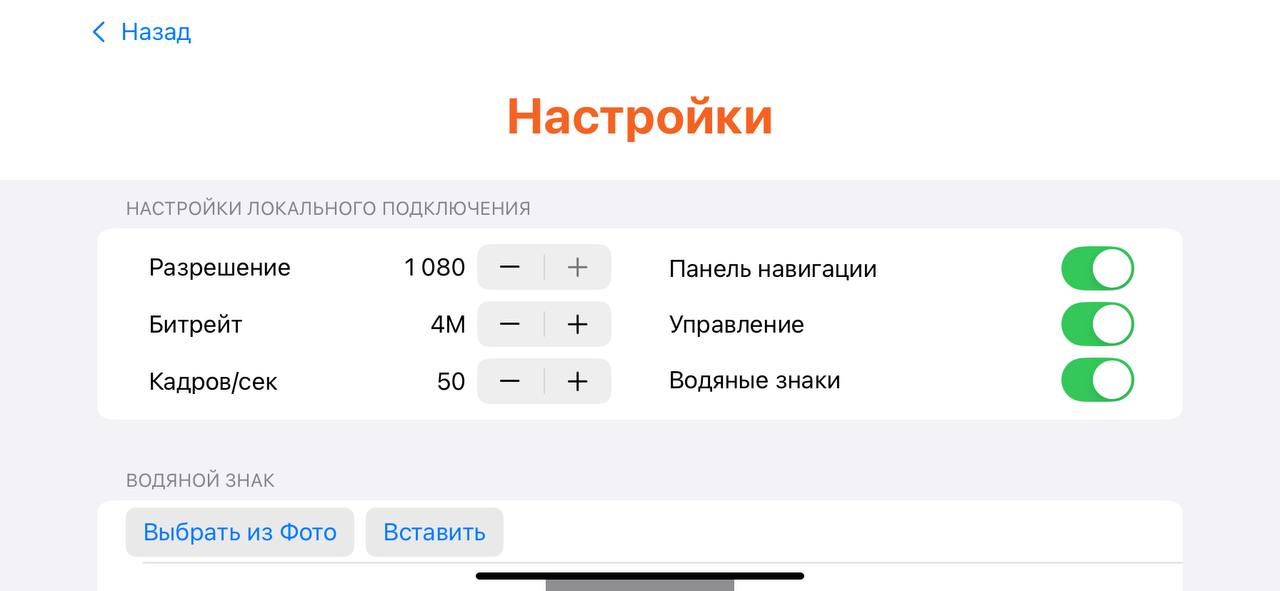
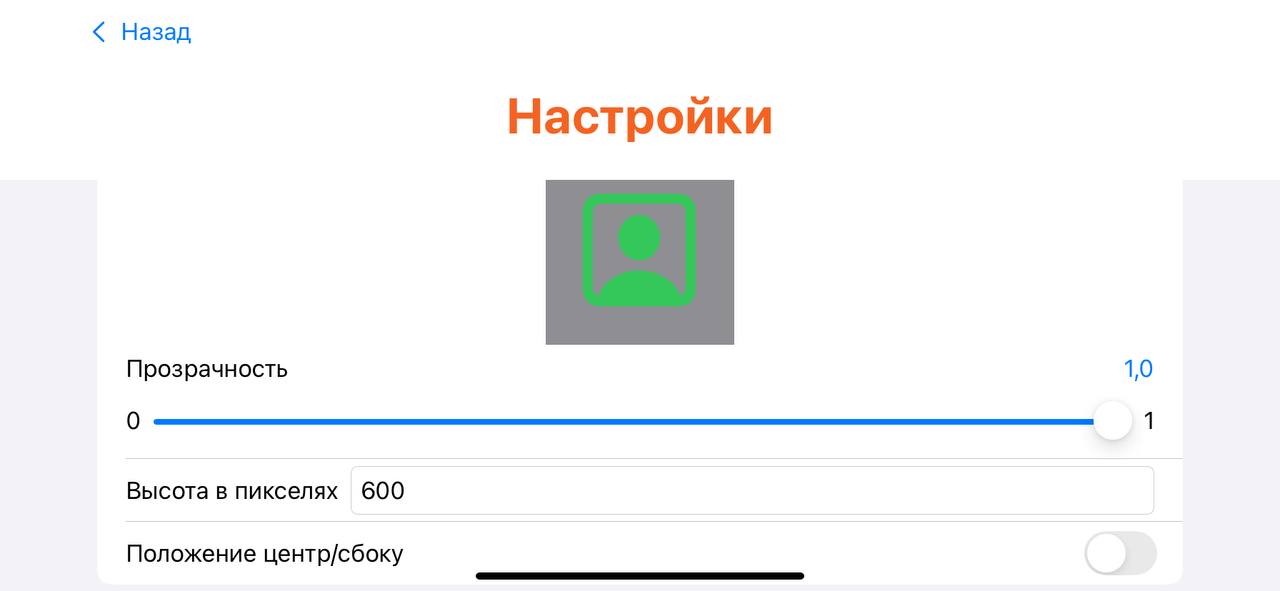
The Settings section provides the ability to:
System Requirements:
- ·Select the video transmission bitrate
- ·Configure the FPS
- ·Switch between light and dark visual themes
- ·Enablish on-screen navigation buttons
- ·Select the spplication interface language
- ·Add a custom watermark or logo overlay
System Requirements:
- ·A target device running ONE firmware.
- ·An active Wi-Fi connection or connection to a device's hotspot.